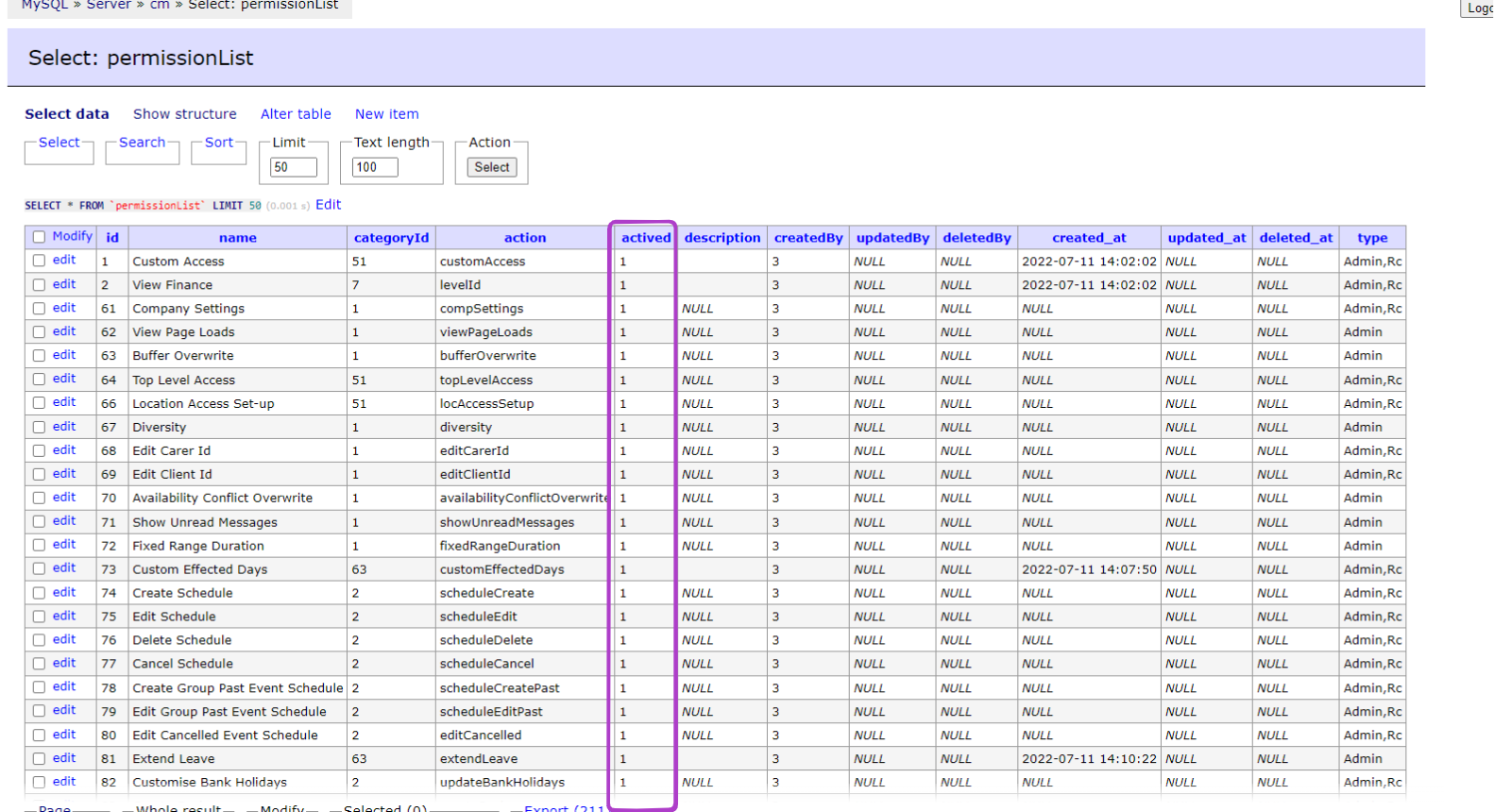
During our work, we frequently encounter the need to enable or disable specific permissions for administrators who operate within our system. The majority of these permissions can be managed directly from the frontend on a designated page created for this purpose.
URL:https://care2.onetouchhealth.net/cm/in/company/adminAuthorization_Pro.php?code=11025
Frontend view:
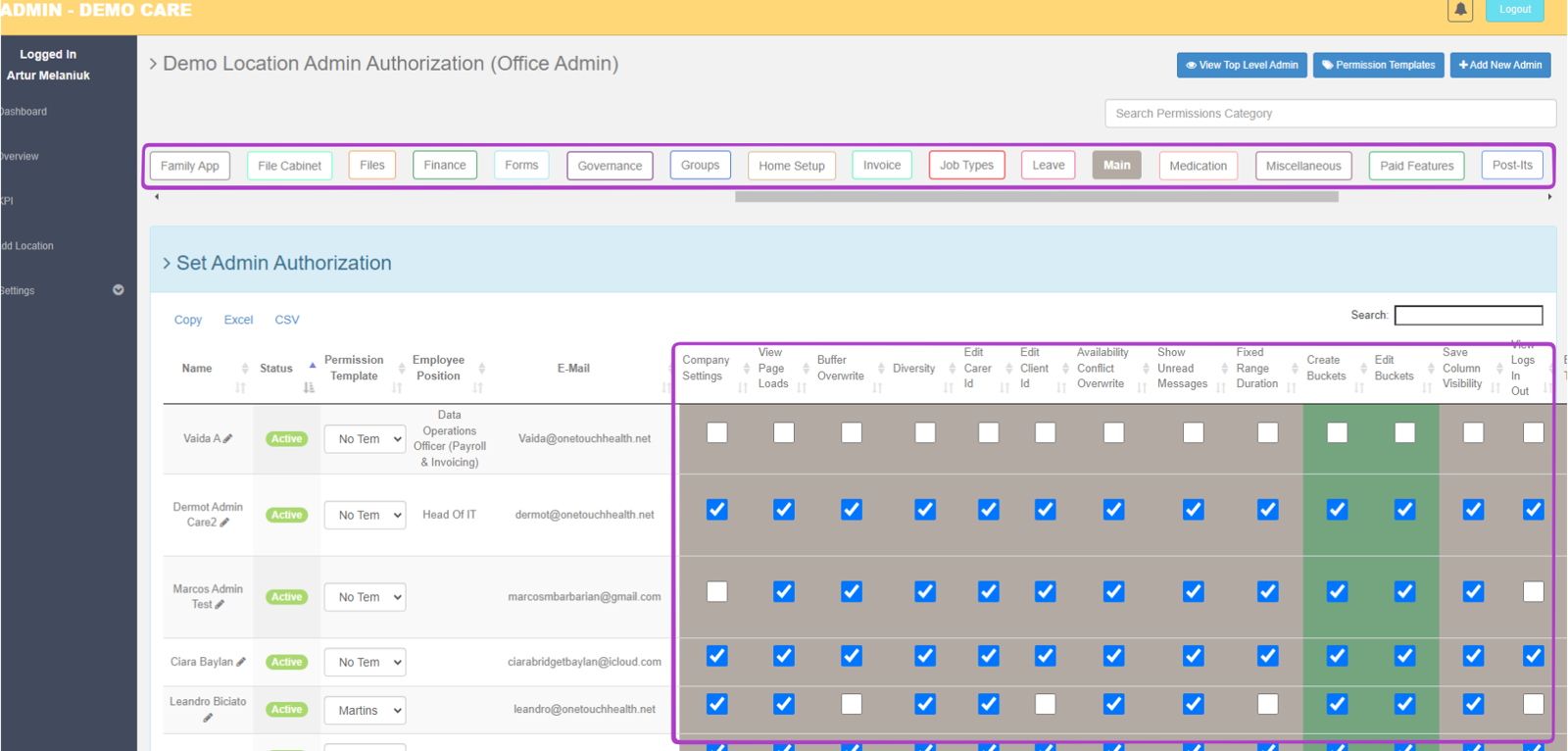
However, if a particular permission is not visible on the dedicated front page, we have the option to activate it at the backend level in the website's database.
Name of the Database table: permissionList
SELECT * FROM `permissionList` LIMIT 50 (0.001 s) Edit
To enable or disable a permission in the 'active' column, modify the value as follows:
- Set the value to 0 to deactivate the permission.
- Set the value to 1 to activate the permission.